WINDOWS
Ready for your PC.
Windows 10 / 11 · 64-bit
AMD · NVIDIA · Intel GPUs (Vulkan)
Run the installer, then let the app prepare Whisper on first launch. Graphics drivers with Vulkan support enable GPU acceleration.
LOCAL TRANSCRIPTION · VERSION 3.1.0
Your audio.
Your hardware.
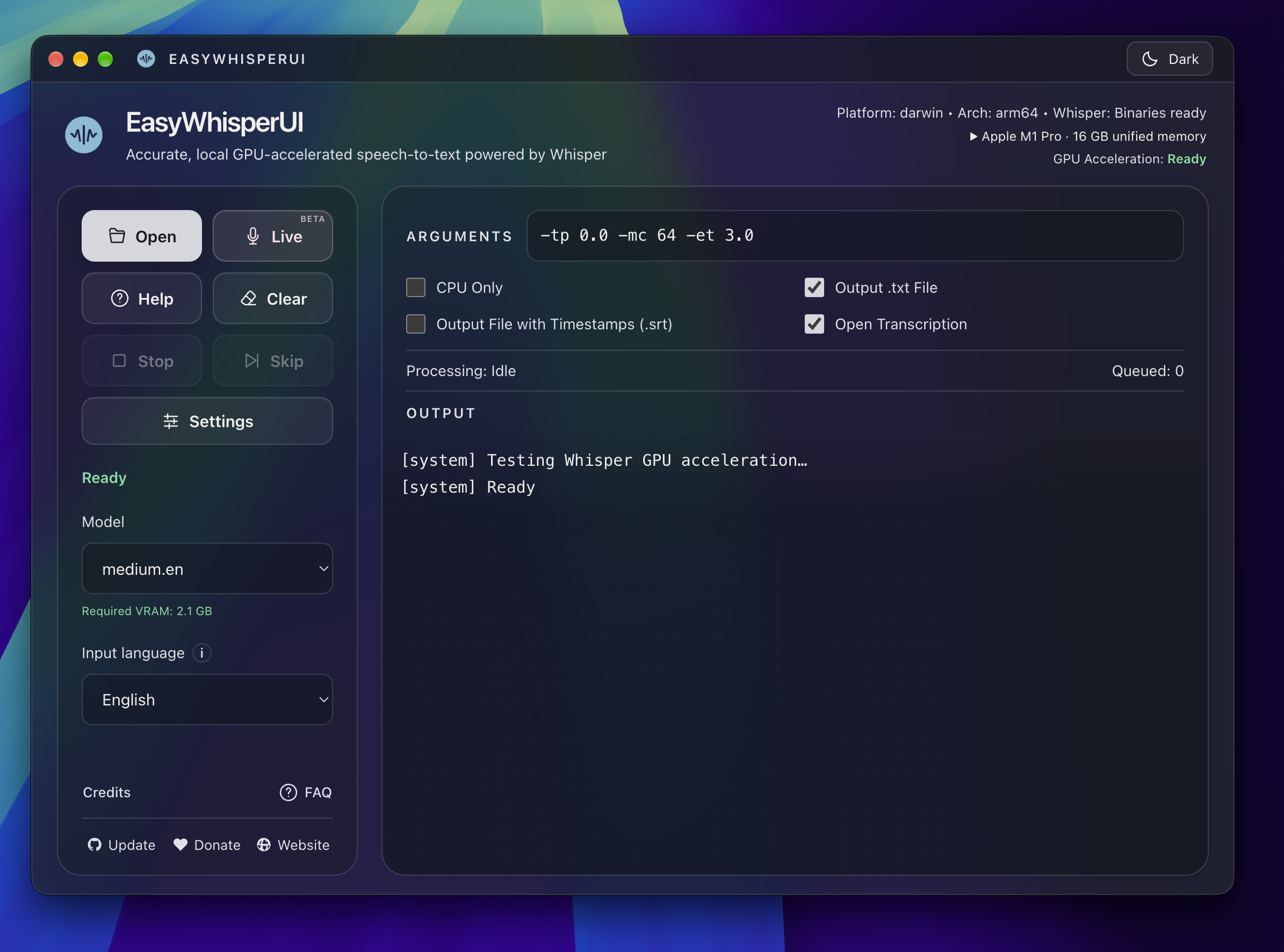
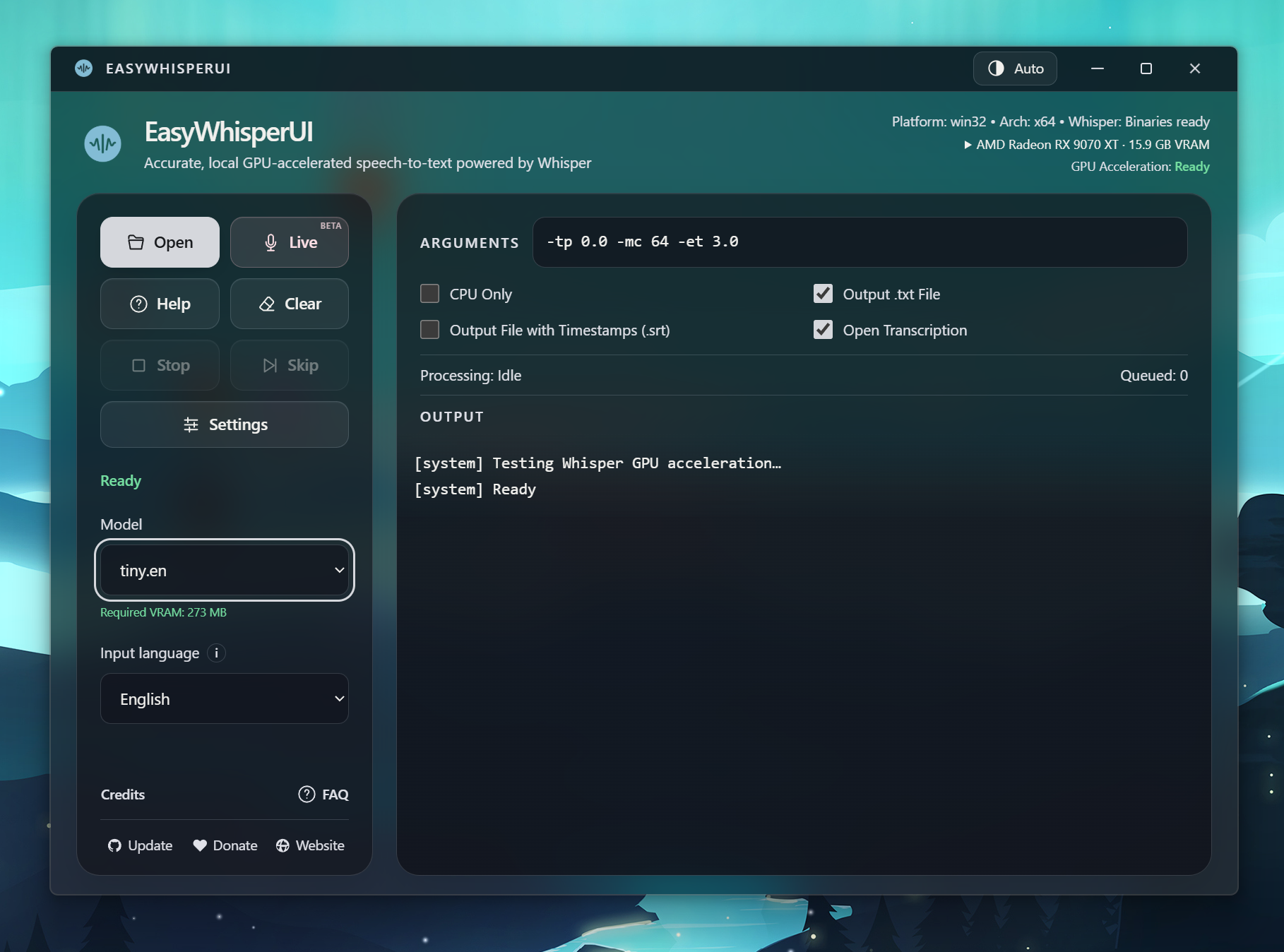
Turn audio and video into transcripts and subtitles, using the power of your own computer. Private by design. No cloud uploads.
Windows + Apple Silicon Mac · No ads or subscriptions
GET STARTED
WINDOWS
Windows 10 / 11 · 64-bit
AMD · NVIDIA · Intel GPUs (Vulkan)
Run the installer, then let the app prepare Whisper on first launch. Graphics drivers with Vulkan support enable GPU acceleration.
MACOS
macOS 13+ · M-series Mac
Metal GPU acceleration
Open the DMG and drag EasyWhisperUI into Applications. Whisper and FFmpeg are included.
Windows builds are unsigned; the Mac app is ad-hoc signed and not notarized. Opening instructions ↗
Linux 3.1 is pending. Browse previous releases ↗
BUILT AROUND YOUR WORKFLOW
Your recordings stay on your computer. Transcribe offline after the initial setup and model downloads.
Vulkan on supported Windows GPUs, Metal on Apple Silicon, or CPU-only processing. Verified GPU status and memory estimates help you choose a model.
Export readable TXT transcripts or SRT subtitles for your videos. Transcribe multiple languages or translate speech into English.
Drop in multiple recordings, skip an item, or stop the queue. Live microphone transcription is also available in beta.
Download, cancel, or delete models, see transfer speed and time remaining, or load a custom model.
Cached audio speeds up retries. Saved themes, CLI options, logs and guided setup keep the everyday workflow simple.
THE PROJECT
I built EasyWhisperUI to make local transcription easier to use. It brings Whisper, media conversion, model downloads and hardware setup into one desktop app. User feedback continues to shape its batch, live and recovery workflows.
Free to use and supported by donations. Explore the source, report an issue, or help support continued development.